

Tokyo Notes is a beautiful markdown note-taking app that combines interactive diagrams, flashcards, a task dashboard, knowledge graph, encrypted private notes, and git backed version history in an offline-first desktop application.
macOS
Download the latest build from the releases page.
Two builds are available:
- Tokyo-Notes-Standard-macOS-arm64.zip: Standard build without dictation.
- Tokyo-Notes-Dictation-macOS-arm64.zip: Includes offline speech-to-text dictation (larger download).
Note: The app is not notarized, so you'll have to allow it from the System Settings the first time you run it.
Arch Linux
yay -S tokyo-notes-git|
Editing Notes |
Dashboard |
|
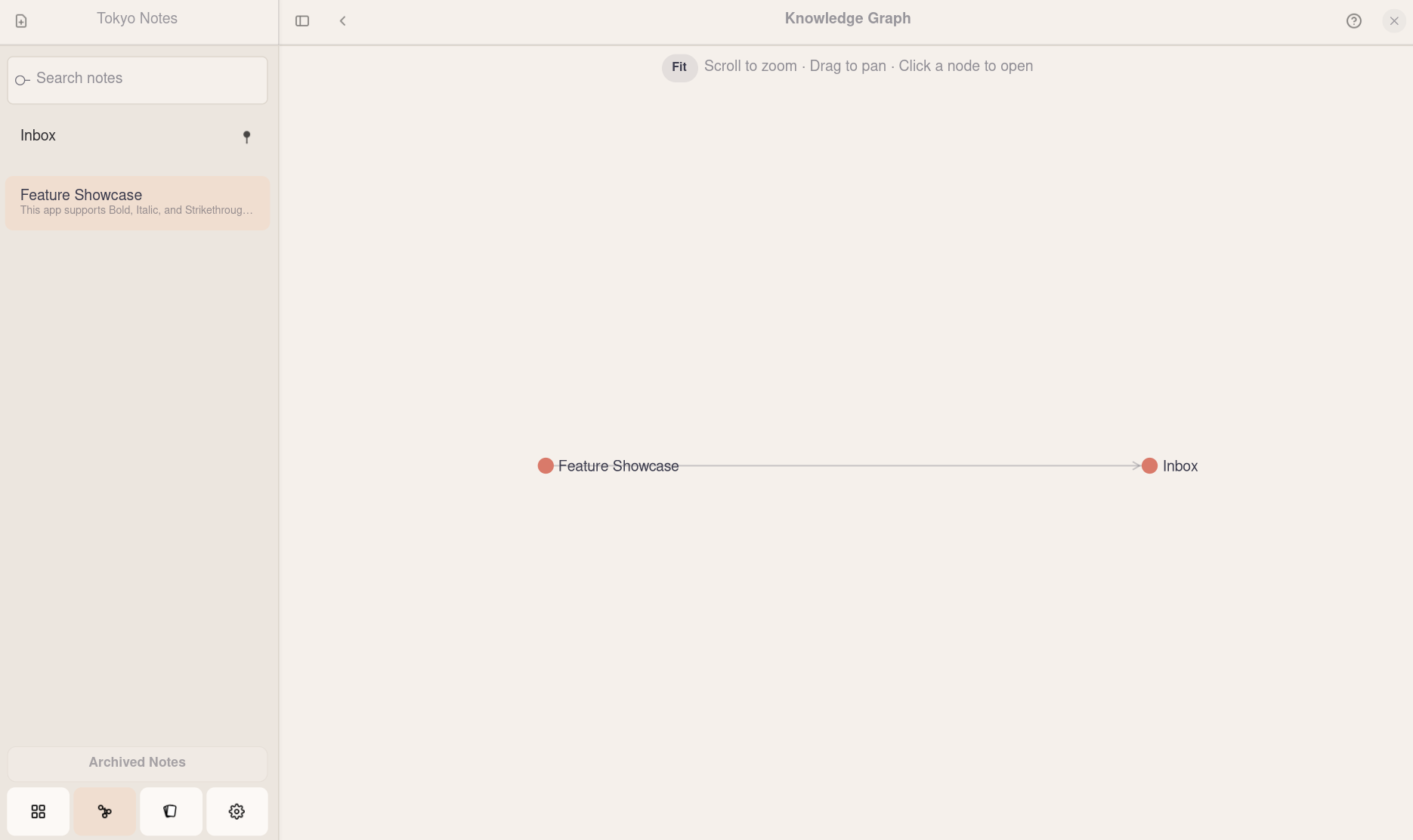
Knowledge Graph |
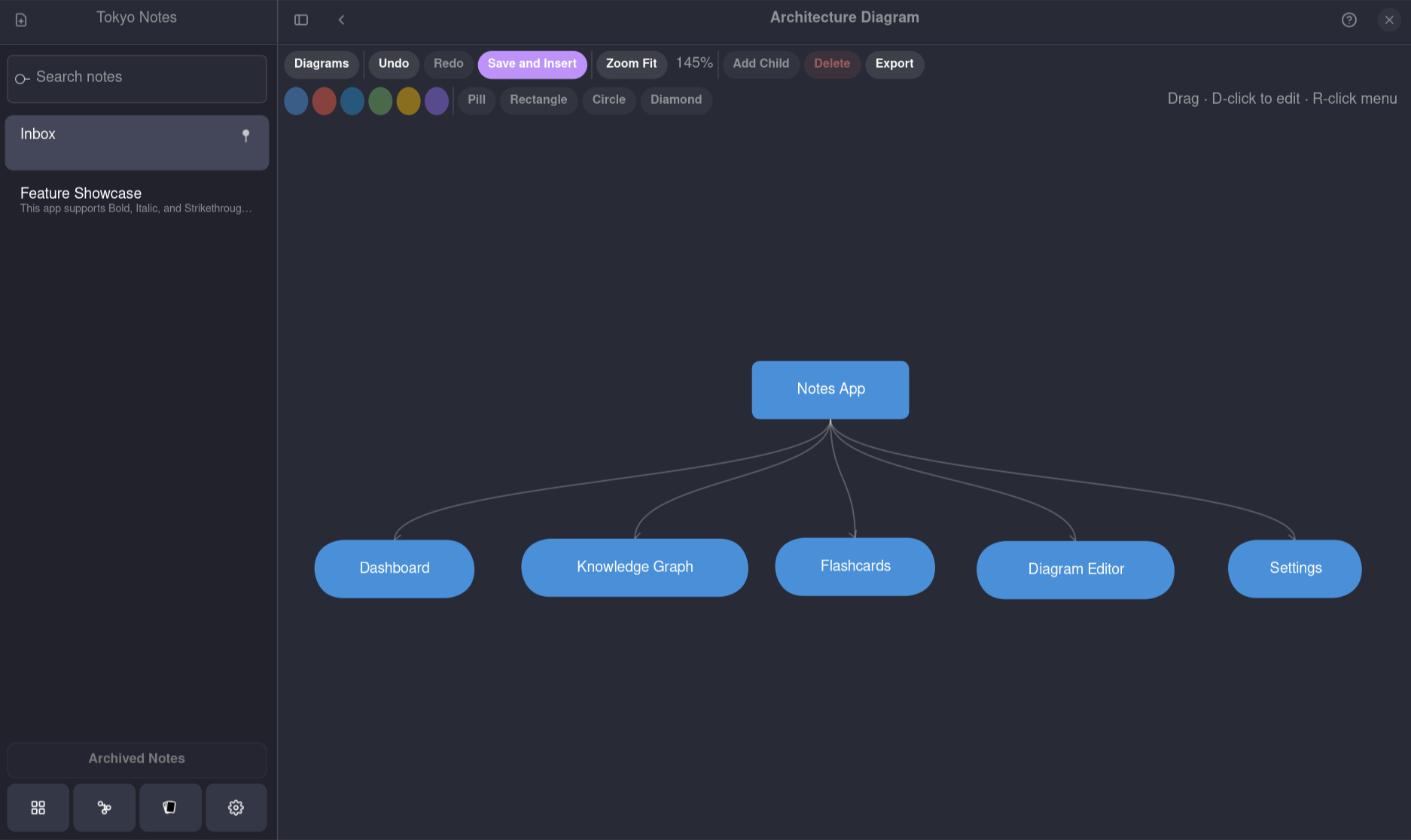
Diagram Editor |
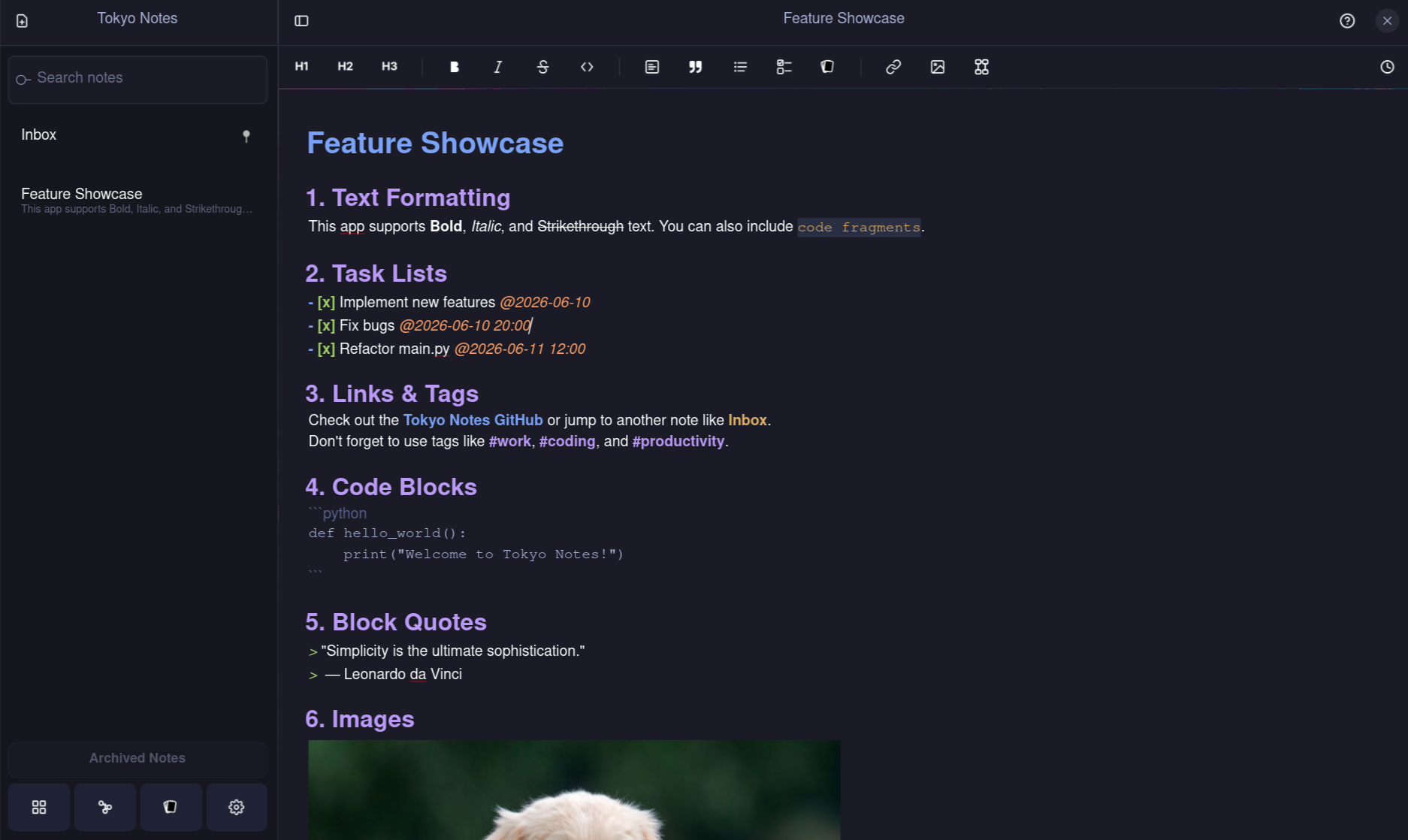
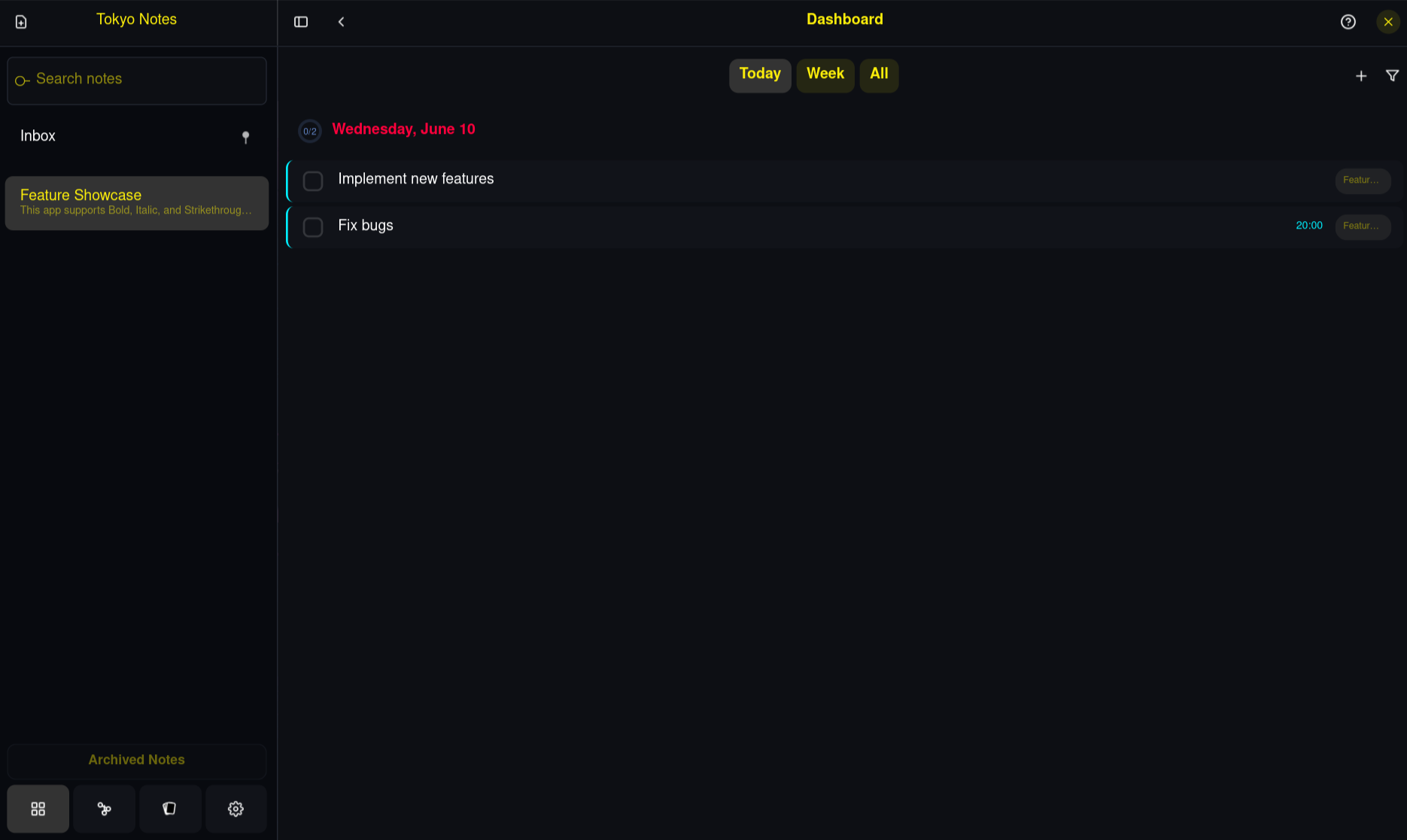
- Task Management: Dashboard with Today, Week, and All views, featuring deadline tracking and jump-to-line navigation.
- Private Notes: AES-256-GCM encrypted notes with per-file salt, Argon2id key derivation, and inactivity auto-lock.
- Knowledge Graph: Visualize and navigate connections between your notes.
- Templates: Create notes from reusable templates with auto-filled variables like
{{today}},{{now}},{{time}}, and{{weekday}}. - Version History: Automatic save-points, manual snapshots, and one-click restore from any previous version via Git.
- Flashcards: Extract Q/A cards from flashcard codeblocks and flip through them to review. See format below.
- Diagrams: Create, edit, and embed interactive node diagrams directly in your notes.
- Offline Dictation: Optional speech-to-text dictation powered by faster-whisper that runs fully offline.
- AI Assistant: Local-first chat, summaries, flashcards, cleanup, and user-started document reviews with preview-before-apply edits (powered by your local llama.cpp server).
- Telegram Bot: Forward messages, photos, and PDFs from Telegram directly into any note via a configurable bot. Supports owner-only filtering.
- And Much More: Themes, Archive System, Full-Text Search, Sakura Animations.
- Slash Commands: Type
/to open a command palette for inserting headings, lists, code blocks, and more. - Deadlines: Type
@to open a date/time picker for task deadlines. - Note Links: Type
[[to pick a note to link to. - Lists: Press
Enteron a list item to automatically continue the list. PressEntertwice to discontinue the lists. - Task Markers: Press
Enteron a task- [ ]to create a new unchecked task.
Here's the format to create flashcards in your notes.
```flashcard
Question
---
Answer
```
Enable the assistant in Settings → AI Assistant. For local use, start an existing llama.cpp server with a chat-capable GGUF model:
llama-server -m /path/to/model.gguf --host 127.0.0.1 --port 8080An API key is optional and
empty by default. Tokyo Notes discovers loaded models from
/v1/models. All public notes are included as context by default, while private
notes require explicit access. Model output never edits a note until you review
and apply the proposal.