
Compute Stochastic Screen Space Reflections for Unity post processing. Utilizing shared memory for performance. Should be mostly production ready, except for a few Hierarchical Z-depth casting artifacts.
Unity 6 / HDRP 17.5 port The package has been updated to Unity 6 and HDRP 17.5 with a new
CustomPass+VolumeComponentimplementation next to the original Post Processing v2 one. This port was carried out with the help of an AI coding agent. The PPv2 / built-in pipeline path is unchanged.
- Features
- Requirements
- Installation
- Usage
- References
- Showcase
- Real life usage
- Screenshots
- Before and After
- Performance
- Hierarchical Z-depth casting
- Temporal reflection depth reprojection
- Median Filtering for extra denoising
- Reflection Color Mipmap Pyramid
- Raycast and resolve pass downsampling
- Frame reprojection for faking multiple bounces
- Specular elongation
- Contact hardening
- Works only with deferred rendering
- Compute shader capable video card
- Unity 6 (6000.x) with HDRP 17.x for the HDRP version
- Unity Post Processing v2 (built-in pipeline version only)
Two implementations ship in this package:
| Pipeline | Entry point | Rendering hook |
|---|---|---|
| Post Processing v2 / built-in | StochasticReflections effect in a PPv2 profile |
PPv2 renderer |
| HDRP 17.5 (Unity 6) | StochasticReflectionsVolume volume override |
StochasticReflectionsPass custom pass |
In a unity project go to your Packages folder. Open manifest.json and add into the dependencies the following line:
"com.simeonradivoev.stochastic-reflections": "https://github.com/simeonradivoev/ComputeStochasticReflections.git"
It should look something like this:
{
    "dependencies": {
        "com.unity.ugui": "1.0.0",
        "com.unity.modules.ui": "1.0.0",
        "com.simeonradivoev.stochastic-reflections": "https://github.com/simeonradivoev/ComputeStochasticReflections.git",
    }
}
Just add a new effect in a post processing profile under Custom/Stochastic Screen Space Reflections
For VR use the test branch called StereoRendering. It currently only supports multi pass rendering.
The HDRP version is implemented as a CustomPass plus a VolumeComponent, and it composites the
reflections additively on top of the scene color. HDRP has no separable reflection buffer, so if you
want HDRP's own screen space reflections to be replaced, turn them off.
Setup:
- On the HDRP asset (or the HDRP Global Settings) set Lit Shader Mode to
Deferred Only. The pass reads the HDRP normal buffer, which only exists in the deferred path. - Disable MSAA on the HDRP asset. The pass is skipped on cameras that render with MSAA.
- Disable Screen Space Reflection on the HDRP asset, otherwise both effects stack.
- Add a
Custom Pass Volumewith these settings:- Mode:
Global(orLocalwith a collider) - Injection Point:
Before Transparent - Custom Passes:
Stochastic Reflections
- Mode:
- Add a global
Volumeand override Post-processing > Stochastic Screen Space Reflections (HDRP). Tick the volume's Enabled checkbox: the effect is off until a volume turns it on.
Both objects can be created at once with GameObject > Rendering > Stochastic Reflections (HDRP).
Tools > Rendering > Validate Stochastic Reflections (HDRP) Setup checks the HDRP asset settings and
reports problems.
Notes:
- Reflections are added on top of the scene color, so they are not occluded by HDRP's own reflection
pass. Set the volume
Intensity(andUse Fresnel) if the result is too strong. - The normal buffer only stores the octahedral normal and the perceptual roughness, so the pass assumes a dielectric specular color (F0 = 0.04) and full ambient occlusion.
- Motion vectors are used for temporal reprojection. Temporal accumulation is disabled in the scene view, previews and reflection cameras, and the history is reset when the camera changes or the resolution changes.
- The pass needs compute shader support and
SystemInfo.copyTextureSupport. It silently returns otherwise. - XR is not supported. The camera buffers are allocated as texture arrays, but the pass always samples slice 0.
- The depth pyramid stores the nearest surface of each tile:
maxof the source depths when the project uses reversed Z (UNITY_REVERSED_Z, which HDRP does),minotherwise. Flipping that order makes rays tunnel through geometry and produces false hits everywhere. - The median blur reads and writes two different textures. A group writes its 16x16 block while other groups still read their own neighbourhood, so an in-place write produces block sized artifacts.
- Use the volume's Enabled checkbox to turn the effect off. The Active checkbox of the component in
the profile is not a
VolumeParameter, so it is not blended into the volume stack and the pass would keep running with default values.
Performance (HDRP, 1080p, deferred, MSAA off):
- GPU cost added by the pass on an RTX 3080 10 GB, measured with
FrameTimingManagerat 1920x1080 by comparing the effect enabled and disabled (40 samples per configuration, interleaved):- Raycasting + resolve: ~0.44 ms at full resolution
- Median blur: ~0.07 ms (high quality)
- Temporal: below measurement noise (< 0.05 ms)
- Total: ~0.5 ms at full resolution
- Raycast and resolve downsampled with the low quality blur the effect stays below the measurement noise (< 0.1 ms) on the same machine.
- Rewritten from Xerxes1138
- Based mainly on Tomasz Stachowiak and Yasin Uludag, Siggraph15

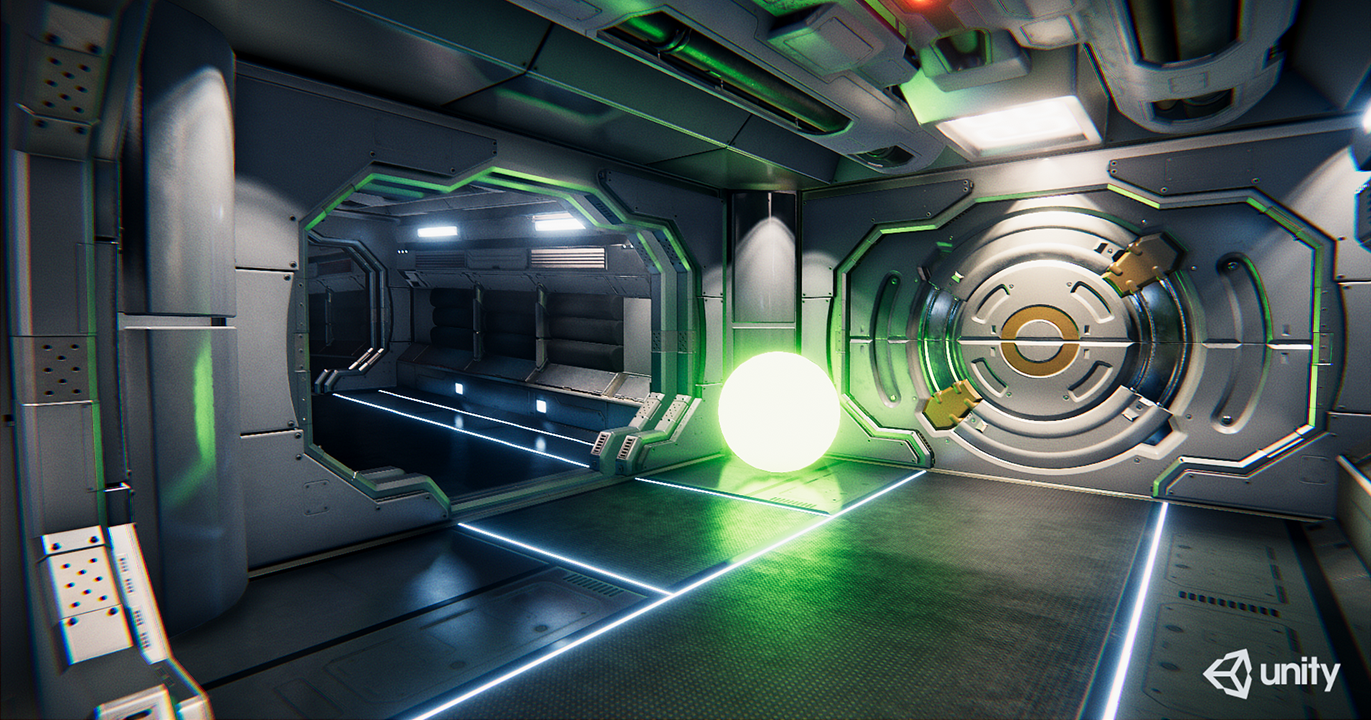
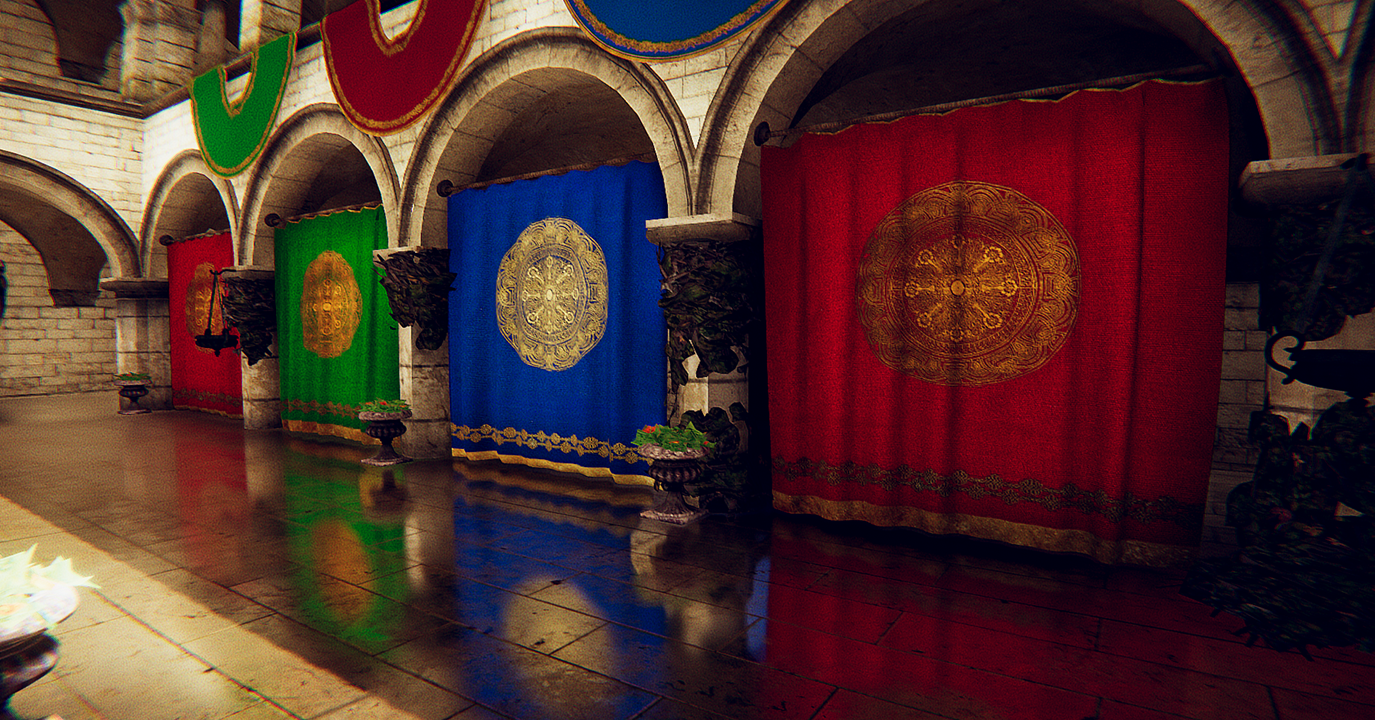
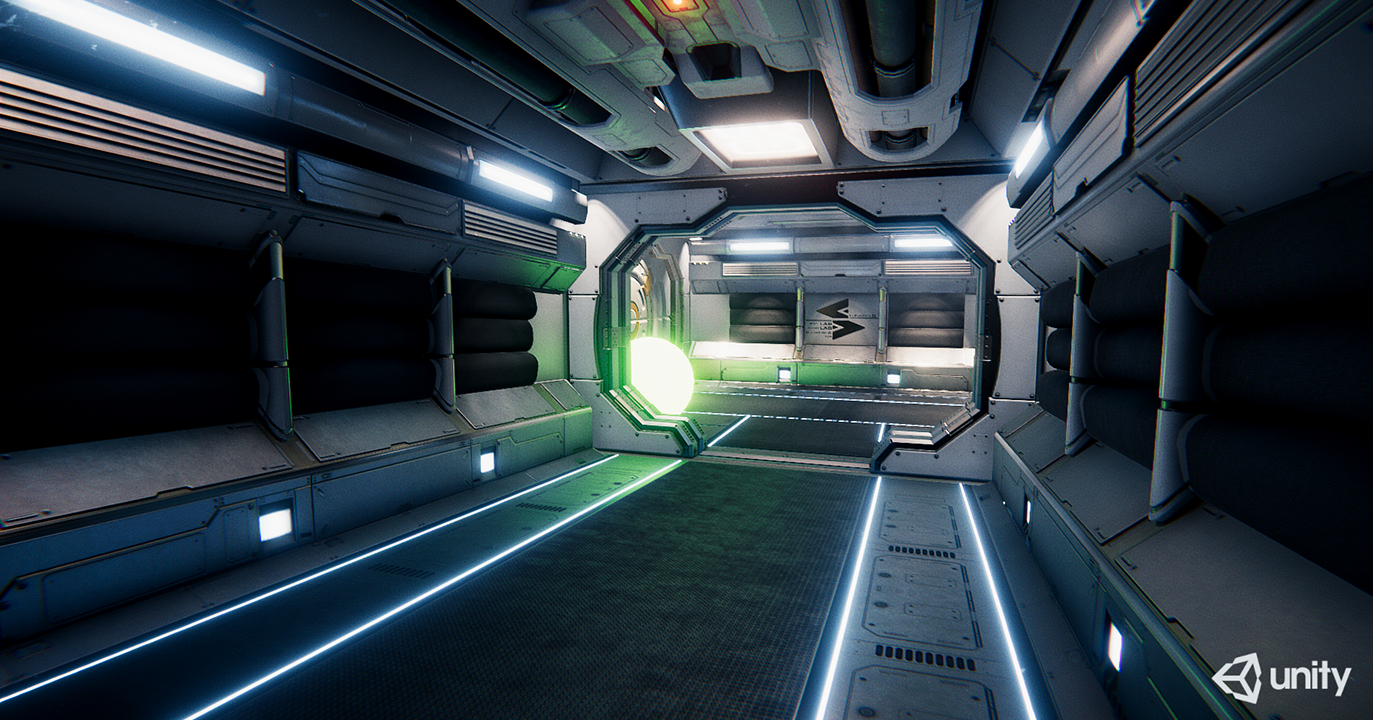
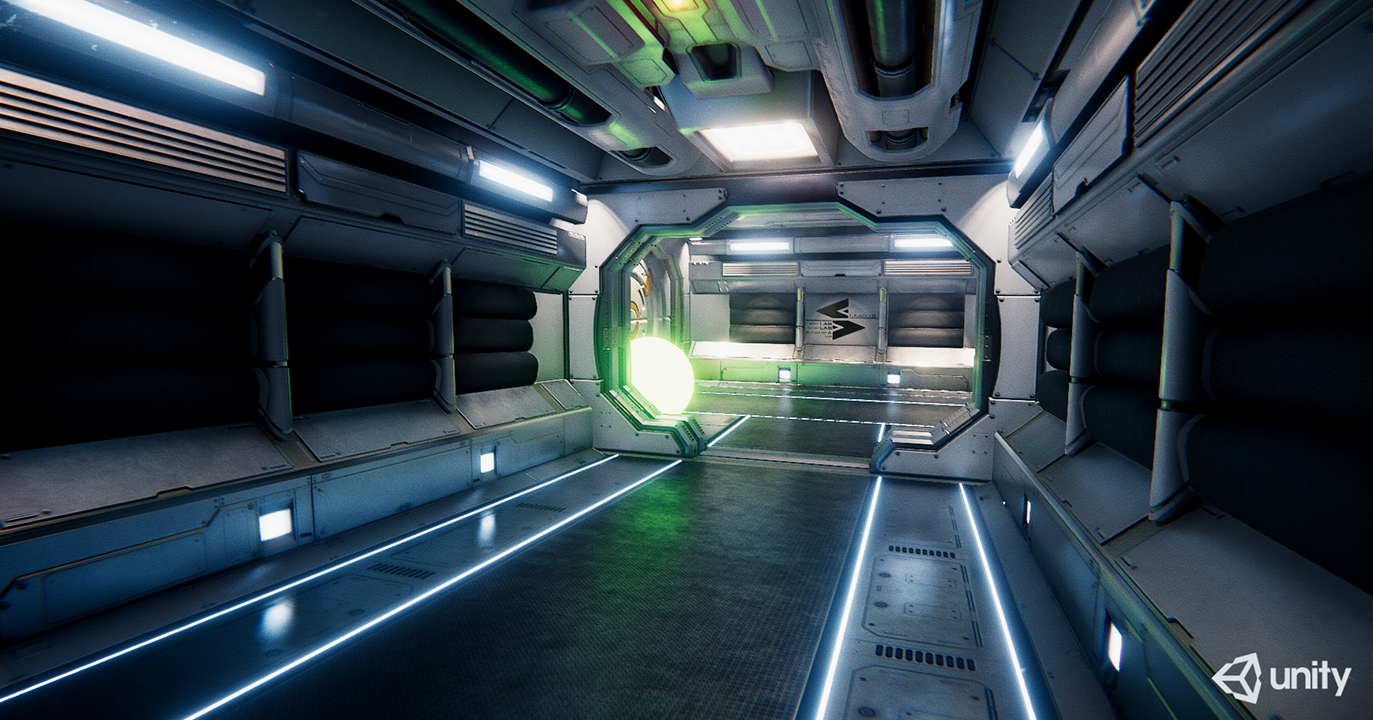
Tested on a GTX 1070 at 1080p. These are the numbers of the original built-in pipeline version; the HDRP numbers above were measured on newer hardware (RTX 3080 10 GB).
-
Highest Quality, High Quality Blur
- Raycasting: 1.4 ms
- Blur: 0.73 ms
- Temporal: 0.67 ms
- Resolve: 0.55 ms
- Total + Others: 4.15 ms
-
Raycast and Resolved downsampled, Low Quality Blur
- Raycasting: 0.5 ms
- Temporal: 0.19 ms
- Resolve: 0.19 ms
- Total + Others: 1.7 ms